by Meevee × GetUGC.io
Channel 1 of 6
What is Meevee

Screen time that ends well.

Meevee is a calm video app for kids aged 2 to 6. Parents set the time, Mookee the monkey guides the kid through slow, human made shows, and when the time's up Mookee ends the session with a wind down ritual. The kid switches off. No meltdown, no ads, no autoplay.

Visit meevee.com → The Dial page →

What it is
  • 400+ episodes and games, all human made, hand picked. No ads, no autoplay, no AI slop
  • You set the limit, 5 to 60 minutes. Mookee makes it stick
  • You see what your child watched, learned and played
  • Built with researchers at Tilburg University on how story endings help kids get off the screen
Where it runs
  • iPhone and iPad, Android, web
  • Apple TV, Chromecast and AirPlay in beta, so it goes on the big TV too
  • 14 day free trial, cancel anytime
  • Made by Meevee, a small team building calmer screens for families

Mookee, the Meevee monkey, waving
Mookee, the host
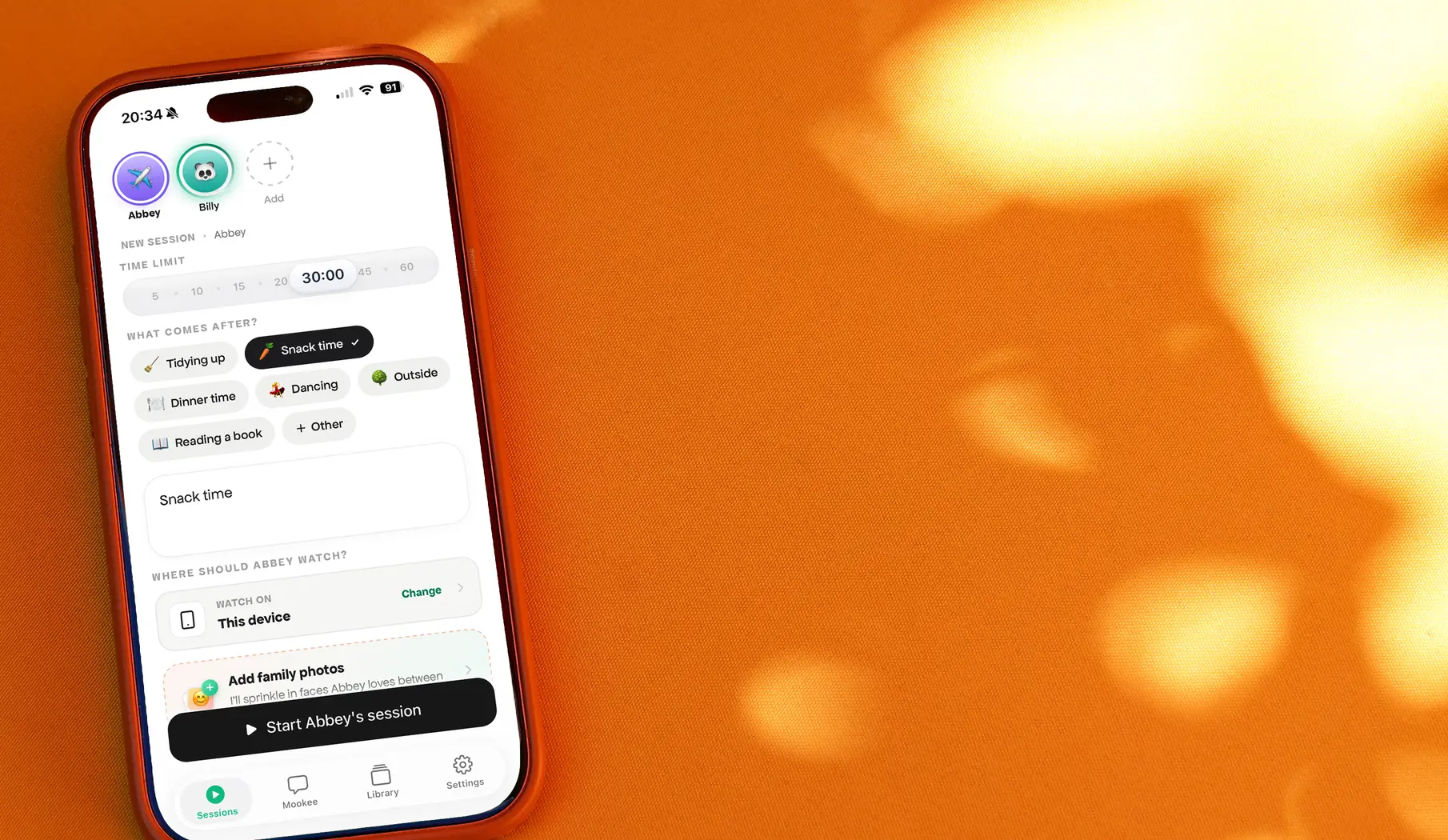
The Meevee time limit screen
Parent sets the time
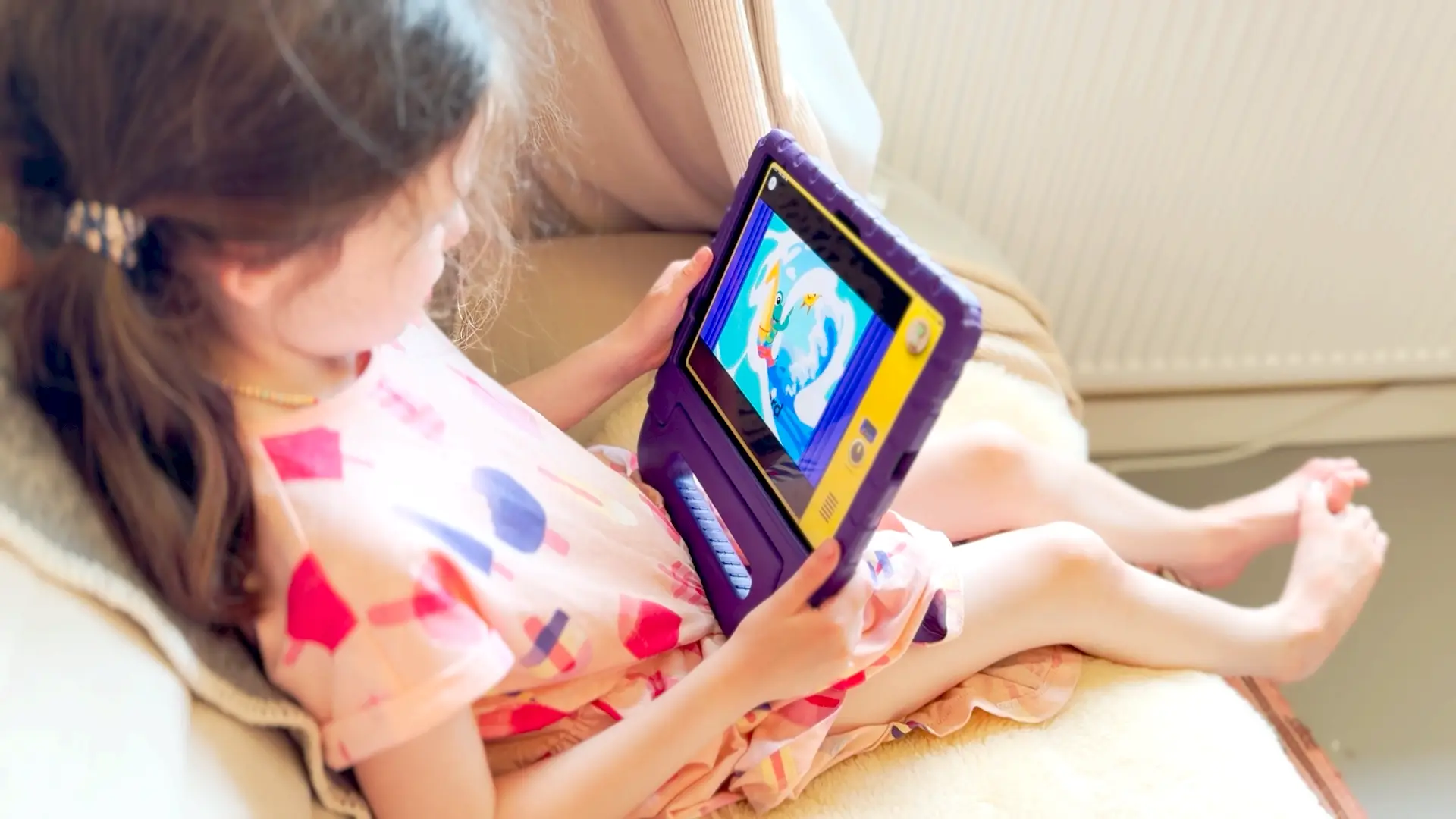
A session ending in Meevee
It actually ends
Meevee on a family's TV
On the family TV
Creator brief

3 scripts. You talk, we edit.

The goal

Get parents excited about Dial, and onto the waitlist.

Every video does one thing: a real parent who understands Meevee tells other parents why the box that's coming is worth a spot in line, and points them to meevee.com/dial. Excitement first, sign up second, nothing else.

Meevee is a calm streaming app for kids aged 2 to 6: you set the time, Mookee the monkey ends the session, the kid switches off without a fight. They're building a retro TV box called Dial: one knob, the kid turns it, the channel changes, every channel one the parent picked. Not out yet, waitlist at meevee.com/dial.

1Read 3 scripts to camera
2Send us B-roll clips
3Send it all raw. We edit.
What you show of Dial

Nothing physical. It's not out yet, and that's the story.

You're a parent who found out early and got on the waitlist. On camera you show your kid using the Meevee app today and your family life. You talk about the box that's coming. We add the product pictures and the waitlist page in the edit.

Before you film

Set up Meevee, it's free

  • Get the app: App Store · Google Play · or try on web. 14 day free trial, cancel anytime
  • Make a profile for your kid, set a time limit, put on a show. When the time's up, watch Mookee end it and your kid switch off. That's the moment we want on camera
Mookee, the Meevee monkey, waving
Mookee on screen
The Meevee time limit screen
You setting the time limit
A session ending in Meevee
The show ending, your kid switching off
The Dial device
Dial. Reference only, you won't have one

The scripts are in your Google Doc. Nothing ships to you, the box isn't out yet.

Step 1

Read the script to camera

  • Phone, vertical, eye level, framed chest up
  • Face a window, quiet room, no music
  • Read the whole script in one go, under 60 seconds. Stumble? Pause and redo the line, keep rolling
  • Talk like you're telling a friend, not reading
  • Say the script as written. Small wording changes are fine. Meevee is MEE-vee, Mookee is MOO-kee
  • Send every take
Step 2

Send us B-roll

Shoot 20 to 30 clips in total, 5 to 10 seconds each, vertical, hold still. We fill all three videos from them. We want to see your kid and your family life, and the moments the scripts talk about:

  • Your kid using the Meevee app: picking a show, watching, Mookee on the screen. On the tablet, the phone, or cast to the TV
  • The moment a show ends: your kid switching it off, putting the tablet down, walking away to play
  • Your kid watching TV on the sofa: from behind, from the side, and close up if you're happy with their face on camera
  • Family time: breakfast together, cooking, a book on the sofa, playing on the floor, a walk outside
  • Morning routine: getting dressed, lunch boxes, shoes, out the door
  • Evening and bedtime: pyjamas, tucking in, lights low, filmed from the doorway
  • Your kid's hands turning any knob or dial in the house: a radio, the stove timer, a volume knob
  • Your phone on the waitlist page at meevee.com/dial, and one filmed over your shoulder
  • You on the sofa scrolling, then putting the phone face down
  • If you own a screen-free audio box, your kid using it and you holding it up. Don't say its brand name
  • Anything old or retro in the house: an old TV, a tape, a radio, a photo of you as a kid
  • The living room and the TV, on and off, morning light and evening light

Faces are your call. Hands, backs of heads and over-the-shoulder all work too. Only your own kids. Clips already on your phone count if they fit.

Step 3

Send it raw

  • No editing, no captions, no music, no filters. We do all of that
  • Vertical 9:16, 1080 × 1920 or better, 30 fps
  • Original files. AirDrop or upload, never WhatsApp
  • Name them: YourName_Script1_Talk, YourName_Script2_Talk, YourName_Broll_01 and so on
  • You get your own Google Drive folder from us. Drop everything in there, all at once
  • Film within 5 days of getting your scripts

What it looks like finished: mom example · dad example

The rules

Three don'ts

Payment is as agreed by email, within 48 hours of receiving your files. Usage is paid in perpetuity. Short agreement signed before you film.

  • Don't name any other brand or TV show
  • Don't say "download the app", give a code, or add a price that isn't in your script
  • Don't say your kid already has Dial. Nobody does yet

Questions: wendy@getugc.io